Default Options Tab of Options Form
The Default Options tab is itself divided into two more tabs:
Background Tab
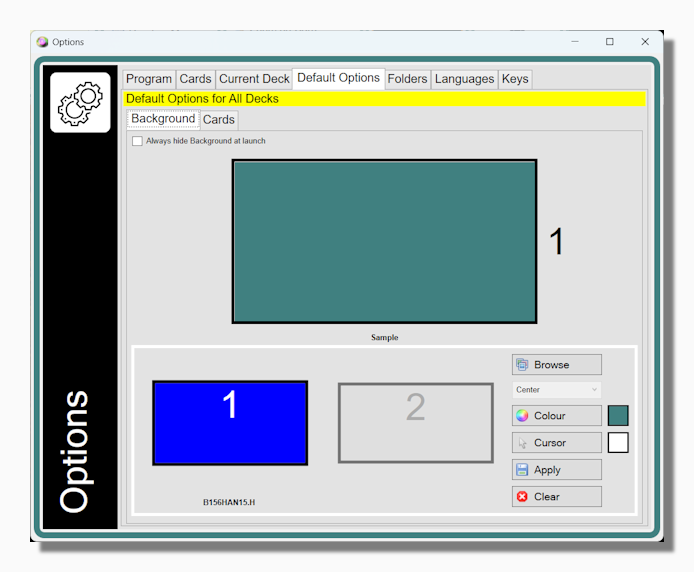
The Background tab shows the customization options for the any deck that does not already have deck specific options applied via the Current Deck tab.
The options you can set include a background image (stretched, centred, tiled or maximized), a plain background of a colour you choose, and a custom mouse pointer which has to be a .cur or .ani file. These are the same options you can set in the Current Deck tab of the Options form, but they only relate to decks that do not have any deck specific preferences.
Cards Tab
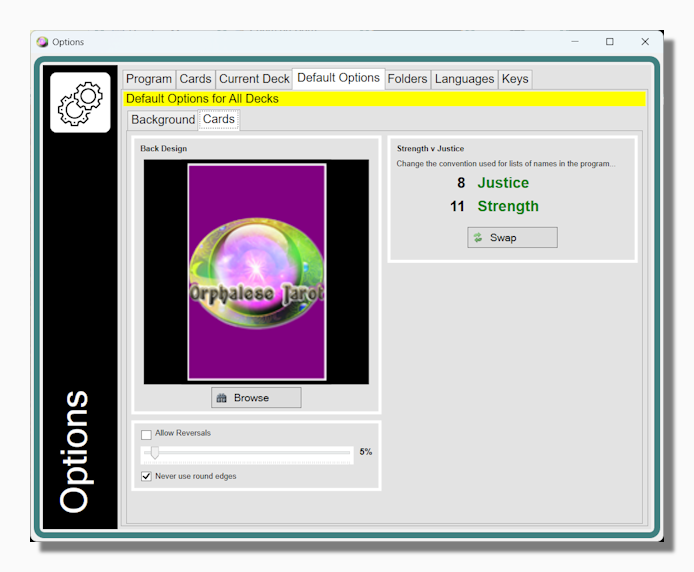
The Cards Tab includes a number of other default settings:
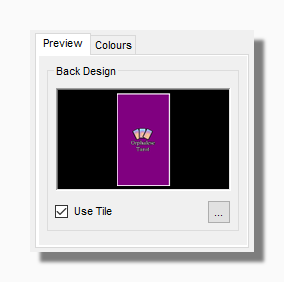
| Most decks that have been prepared for the Orphalese Tarot now contain a card back (simply an image called "back" with an appropriate file format). These controls allow you to configure the back that is displayed for decks that lack such a file. The preference is established on the "Colours" tab (below) and previewed here. Checking the "Use Tile" option overlays the Orphalese Tarot and cards logo as seen in the illustration. |
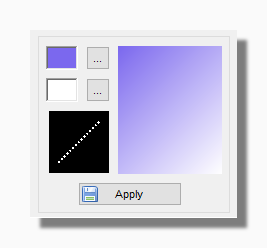
| On the Colours tab you can choose two colours and set a gradient angle. The two colours then merge into each other along this gradient. Choose the same colour twice to set a uniform colour back as the default. |
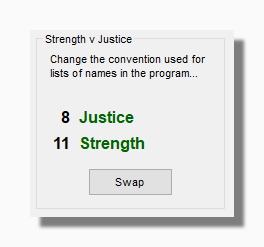
| The program uses naming systems referred to in the program as Schema to make it easier to identify cards. Here you can choose your preference for the relative positions of the Strength and Justice cards in the program's hard wired Tarot Schema. |
|
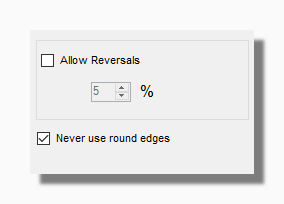
The percentage of reversals set here is the default percentage applied when the deck is shuffled if no deck specific preference exists to override it.
When a non-zero percentage of reversals is set then roughly this proportion of cards will be reversed at the moment of shuffling. Please take note that setting a percentage of reversals does not mean there will be always be that number of reversed cards in a deck. This is especially true if you switch between decks or change the percentage between shuffles without reordering the cards. For example if you start with a deck with 50% reversals and then you apply a shuffle with a percentage of reversals of 10%, then there is about a 90% probability that any given card will still be reversed after shuffling. This is because it will remain reversed from one shuffle to the next, unless by chance it is reversed again. In that case it will be returned to its upright position. If you want to ensure that all the cards are upright when switching decks you should do an ascending or descending sort.
Unchecking the Allow Reversals box has the same effect as setting the percentage to zero.
The Never Use Round Edges option is an exception to the general rule because this is a general setting which overrides any deck specific preference. When this option is checked the program never applies edge rounding, even when it has been set as a preference for the current deck.
|